Items marked Sample TBD could not be confirmed from public product data or release notes and need verification before publishing. Items marked Unverified come from reviews or retailers rather than the manufacturer. All SLSA levels are our own estimates, since no vendor publishes SLSA data.

Wallet Teardowns/BC Vault/BC Vault
Teardown · BC Vault

BC Vault

A seedless hardware wallet. Keys are stored in FRAM memory, each wallet has its own PIN and password, and backups are encrypted files rather than a seed phrase.
BC Vault
Released
2019Sample TBD
Secure element
TBDSample TBD
Key storage
FRAM
Display
2.42″ OLED, 128 × 64
Input
4-way padUnverified
Connection
USB-CUnverified
Backup
microSD or paper QR
Firmware
Closed
Identify your device

Several passwords, no seed phrase

Each wallet on the device has its own PIN and password, on top of a device-level login.Unverified
·No serial number on the device
·Separate device login, plus a PIN and password for each walletUnverified
·Backups saved to microSD or a paper QR code
BC Vault
2019 –Sample TBD
Sold in several housings, including plastic and aluminium editions, with the same internals.
Per-wallet PIN and passwordFile backup
Teardown

What our teardown shows

Findings from our teardown will be published here.Sample TBD
Key storage
Stores private keys. FRAM retains data without power.
Microcontroller
Atmel ATSAM4SD32B (Arm Cortex-M4), identified in our teardown.
Display
OLED, 128 × 64.
Connector
USB-C.Unverified
From the lab

Inside the BC Vault

Images from our own teardown of this device. Click any image to open it full size.
BC Vault
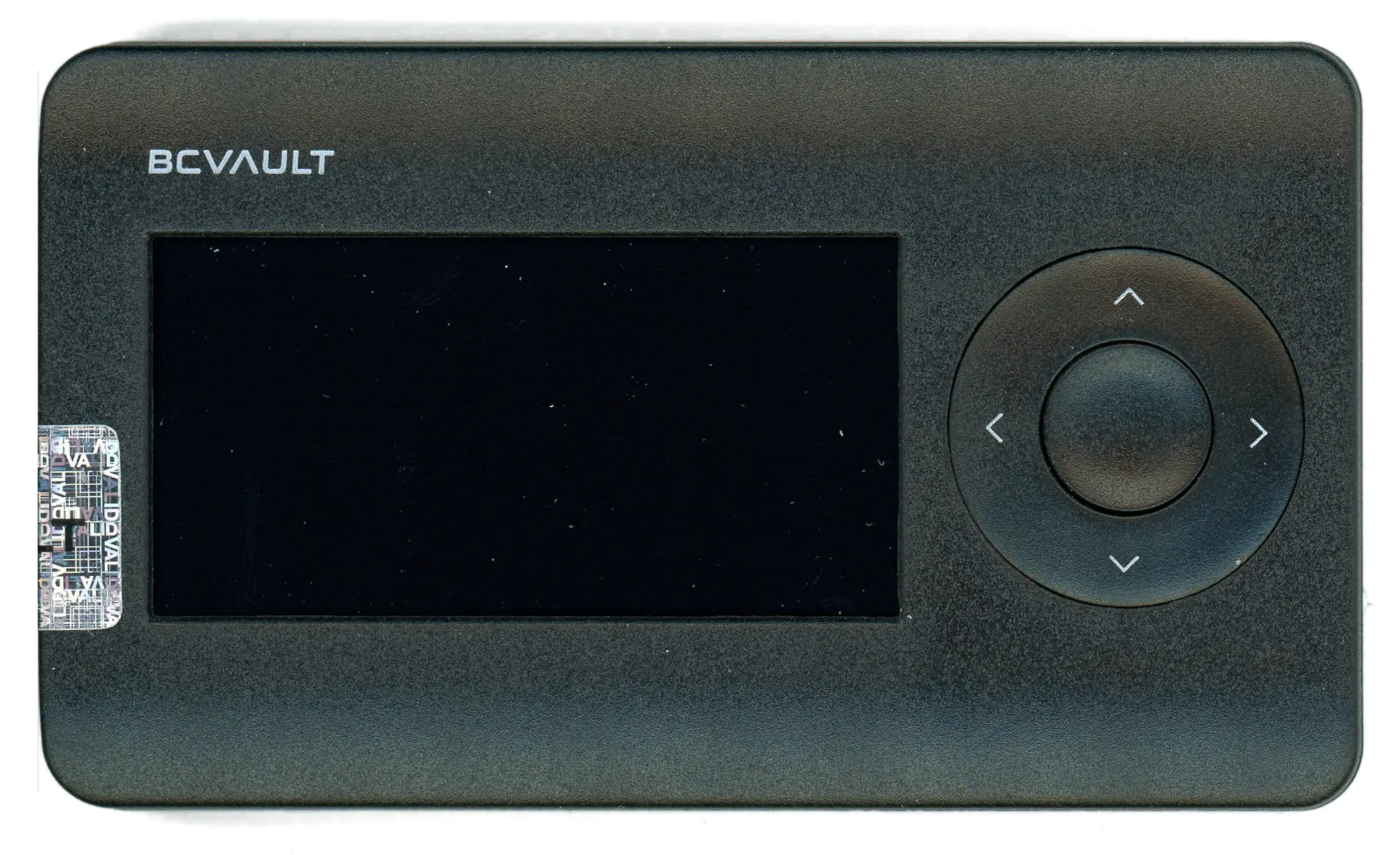
Front
Display and five-way control pad. The holographic seal covers a case screw.
BC Vault: Back
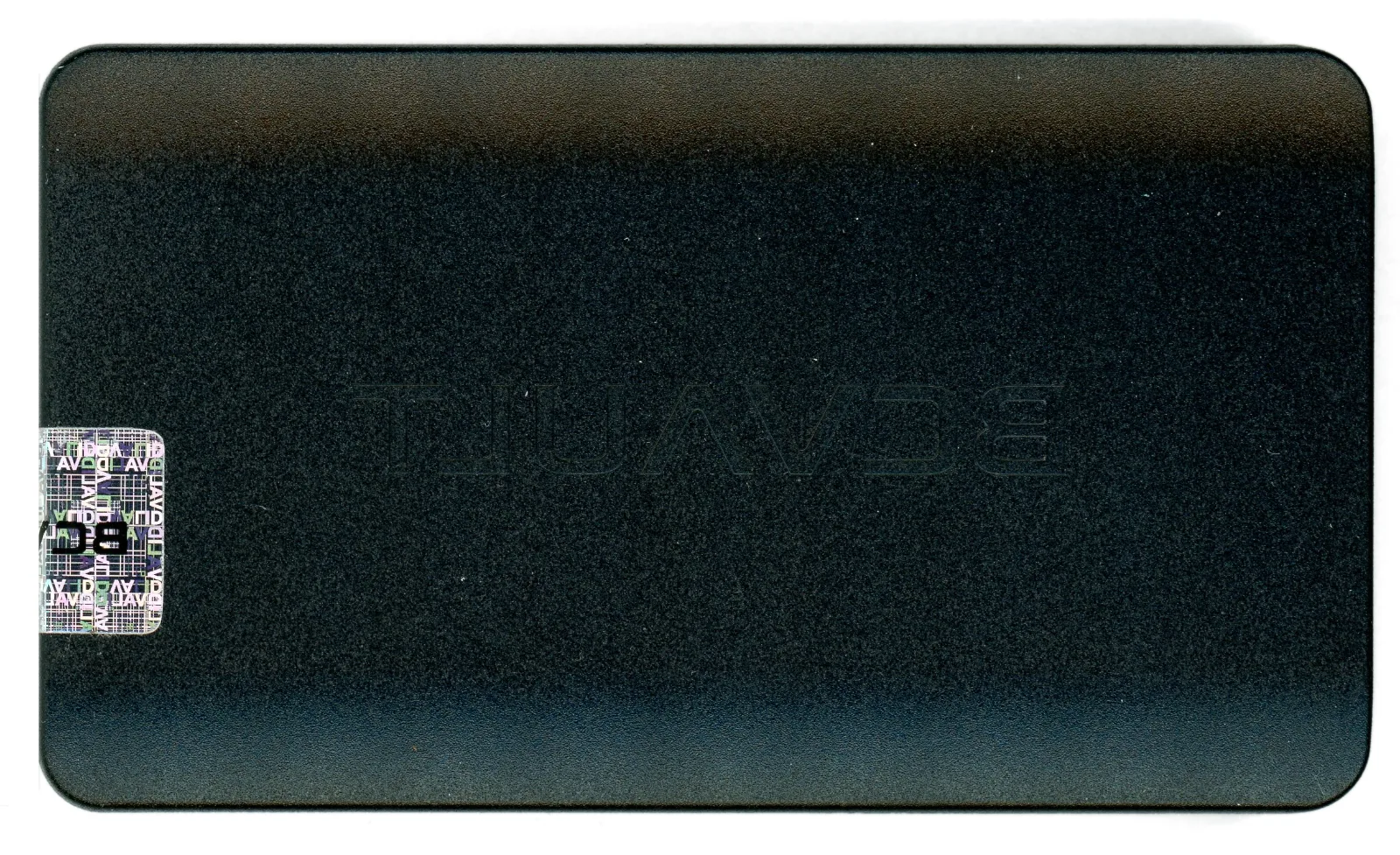
Back
Rear of the case.
BC Vault: Circuit board, front
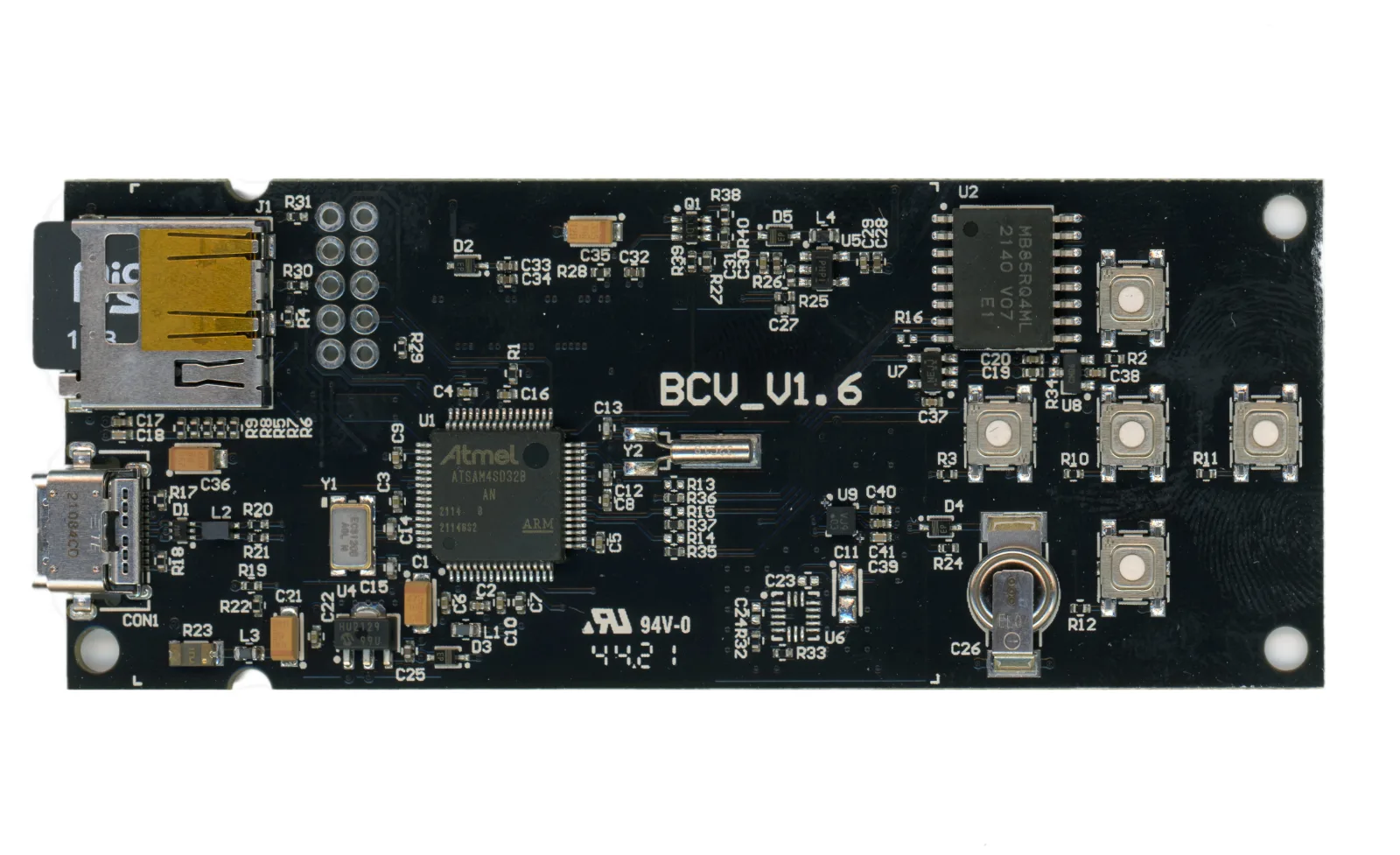
Circuit board, front
Board revision BCV_V1.6. Atmel ATSAM4SD32B microcontroller (U1) and Fujitsu MB85RQ4ML FRAM (U2), with the microSD slot and USB-C port.
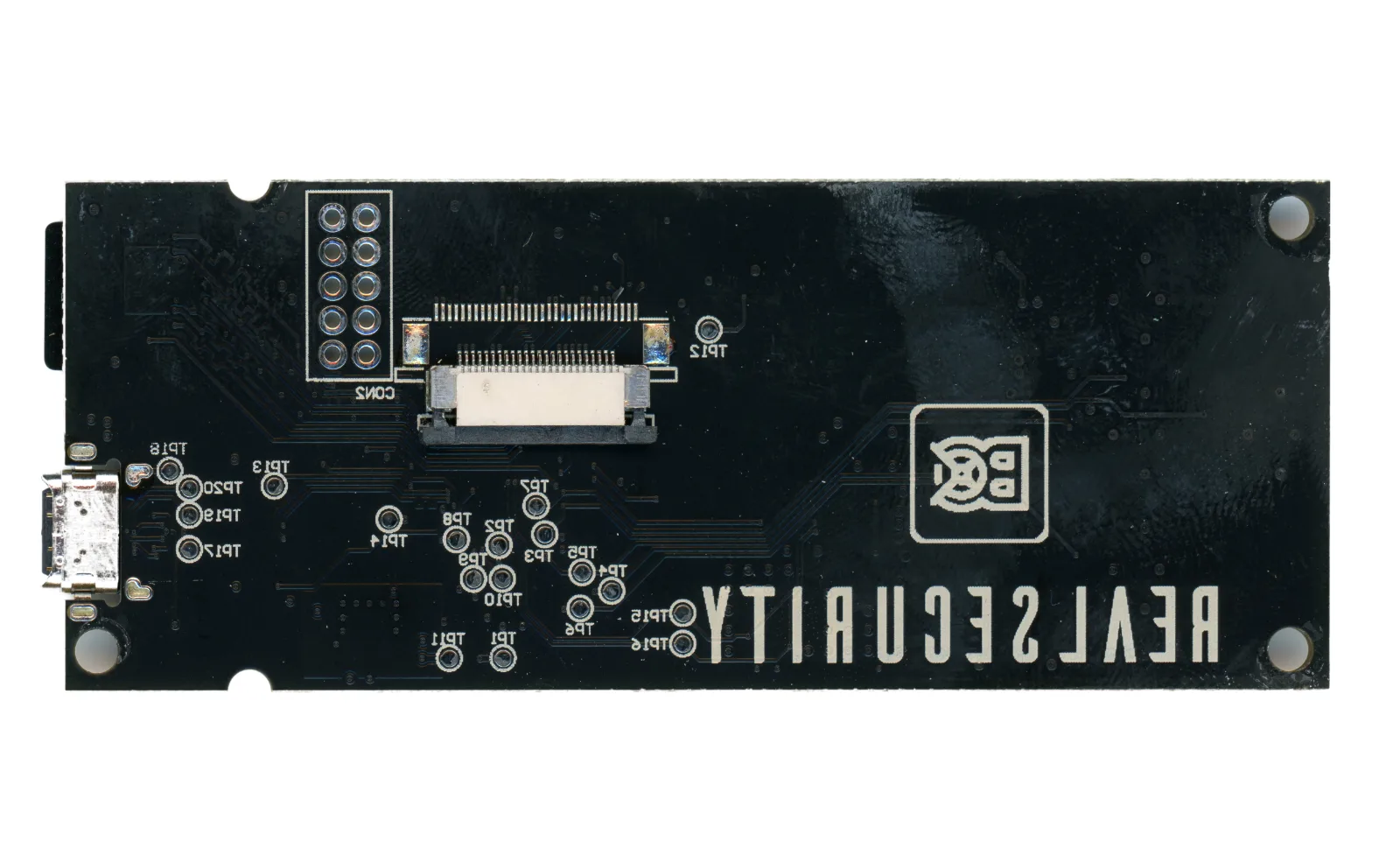
BC Vault: Circuit board, back
Circuit board, back
Underside of the board.
Firmware versions

What changed, version by version

BC Vault publishes release notes on its website. Firmware updates install from the companion app, which uses a redundant partition so a failed update does not brick the device.
VersionReleasedWhat changedPIN handlingNotes
v1.3.5Jan 2020Firmware release with published release notesPer-wallet PIN + password—
App 3.3.1Nov 2025Companion app: bug fixes and performance—Firmware updates install through the app
Full release notes: BC Vault release notes ↗
Security profile

How it scores

Ratings apply to the latest firmware unless noted. SLSA levels are our estimate from the public build pipeline, not a manufacturer attestation.
Secure element
TBDSample TBD
Open-source firmware
BC Vault publishes no source code for the firmware or the application.
Closed
Reproducible build
Cannot be verified without source.
No
Signed updates
Reviews describe certificate-signed firmware upgrades. BC Vault does not state this itself.
YesUnverified
SLSA build level (estimated)
Unknown
PIN hashing
Each wallet is encrypted with a password entered on the computer and a PIN entered on the device. An optional Global PIN and password lock the whole device.
Unknown
Public extraction attack
Every unit ships with a 1 BTC bounty wallet encrypted like any other. BC Vault says no one has claimed it.
None public
If you are locked out

Every password layer counts

Recovery depends on which PIN or password was lost and whether an encrypted backup file exists.
Before you contact us
1Stop trying PINs and passwords.
2Look for backup files on your computer or external drives.
3Write down every password you remember trying.

Locked out of a BC Vault?

Tell us the model and firmware version. The first case review is free and confidential.