Items marked Sample TBD could not be confirmed from public product data or release notes and need verification before publishing. Items marked Unverified come from reviews or retailers rather than the manufacturer. All SLSA levels are our own estimates, since no vendor publishes SLSA data.
Wallet Teardowns/Ledger/Nano S
Teardown · Ledger

Ledger Nano S

One of the best-selling hardware wallets ever made, now retired. Its keys live in a certified secure element running Ledger’s closed operating system, which makes it a very different recovery problem from open-source, microcontroller-only devices.
Ledger Nano S
Released
2016
Secure element
ST31H320 (CC EAL5+)
Microcontroller
STM32F042
Display
128 × 32 OLED
Input
Two buttons
Connection
Micro-USB
Operating system
BOLOS (closed)
Latest firmware
2.1.0
Identify your device

How to recognise it

The original Nano S has a swivel metal cover and a small screen.
·Brushed metal swivel cover over a plastic body
·Micro-USB port
·Firmware version is shown in the device settings or in Ledger Wallet (formerly Ledger Live)
Early firmware
Up to 1.4.1 · 2016–2018Sample TBD
PIN verified inside the secure element, with the device wiping after three wrong attempts.
PIN checked in SEWipes after 3
Randomised PIN entry
1.4.2 – 1.6.1 · 2018–2020Sample TBD
1.4.2 randomised the PIN start number and improved the interaction between the microcontroller and the secure element. 1.6 went further, randomising the order of digits to stop attackers counting button clicks.
PIN checked in SERandomised entry
Current
2.x · 2021–Sample TBD
2.0.0 brought a redesigned onboarding flow. 2.1.0 added Taproot and Schnorr signature support. PIN handling unchanged.
PIN checked in SE
Teardown

Two chips, split duties

The secure element holds the keys and checks the PIN. A separate microcontroller handles USB, the screen and the buttons, and never sees the seed.
ST31 secure element
Stores the seed, verifies the PIN and signs transactions.
STM32F042 MCU
Proxies USB, drives the screen and reads the buttons.
OLED display
Small monochrome screen, driven through the MCU.
Buttons
Two tactile switches on the top edge.
Swivel cover
Metal shield over the screen. No security function.
From the lab

Inside the Ledger Nano S

Images from our own teardown of this device. Click any image to open it full size.
Ledger Nano S
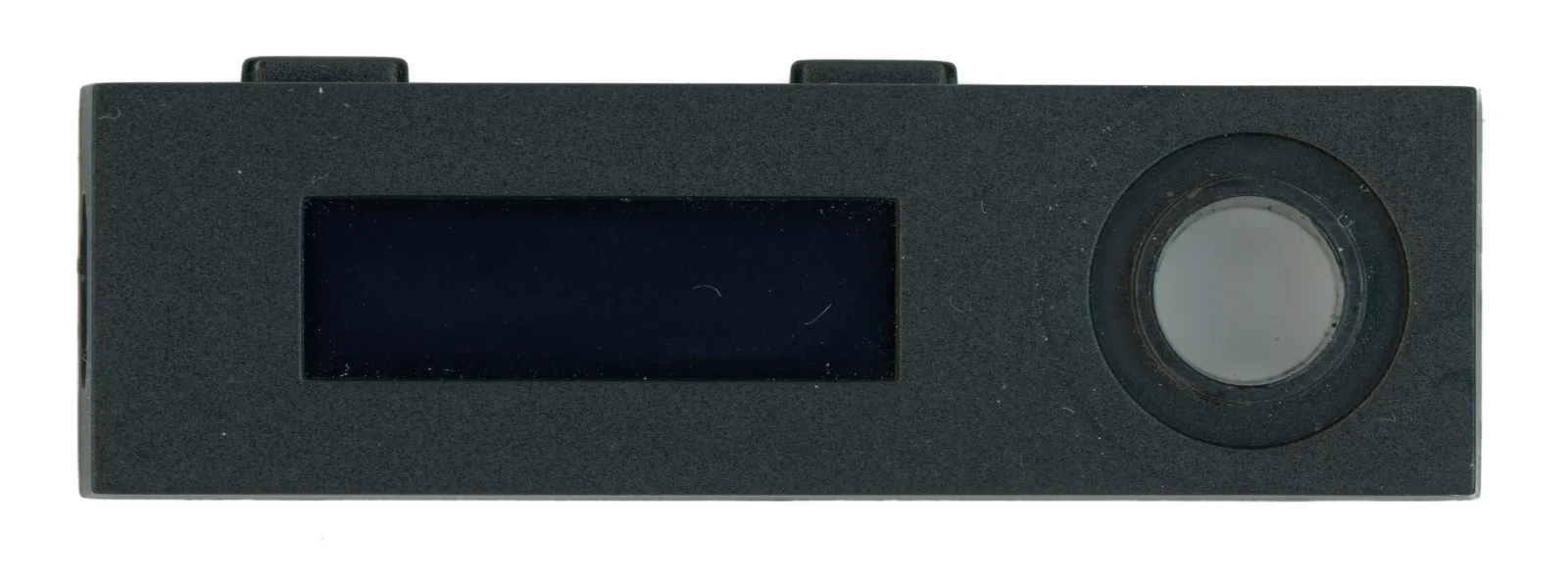
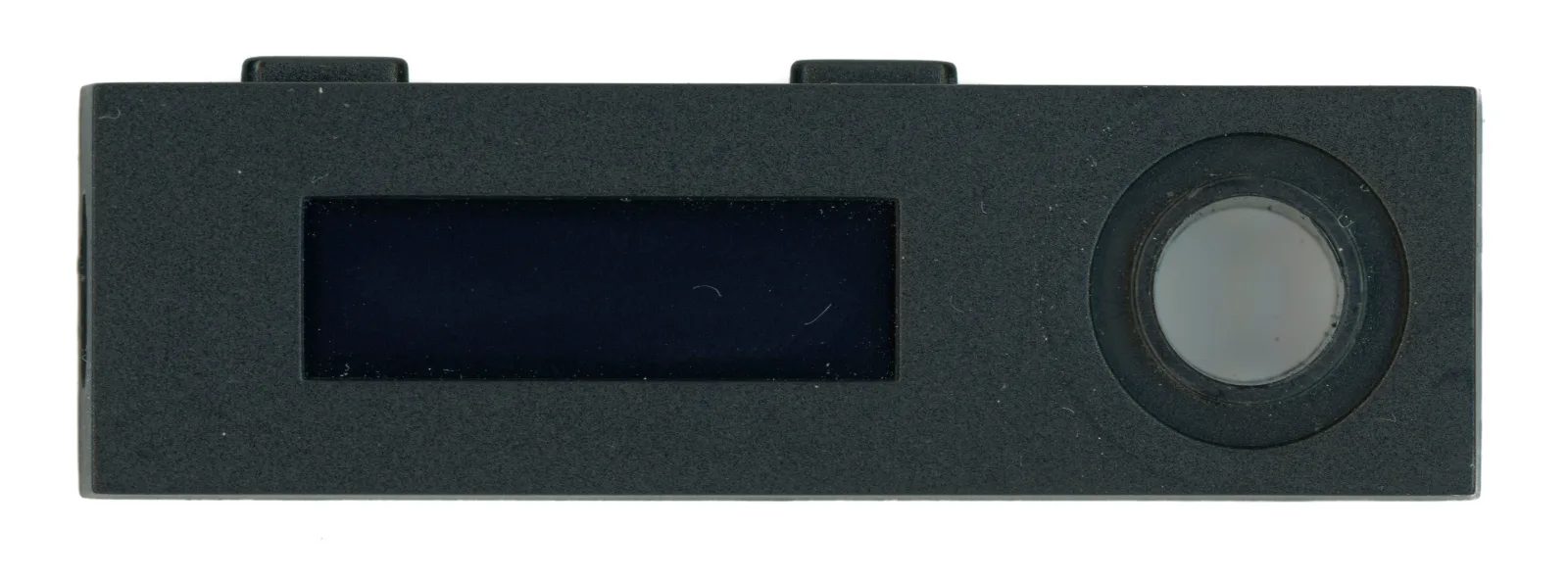
Front
Screen and the confirm button, with the two side buttons on the top edge.
Ledger Nano S: Back
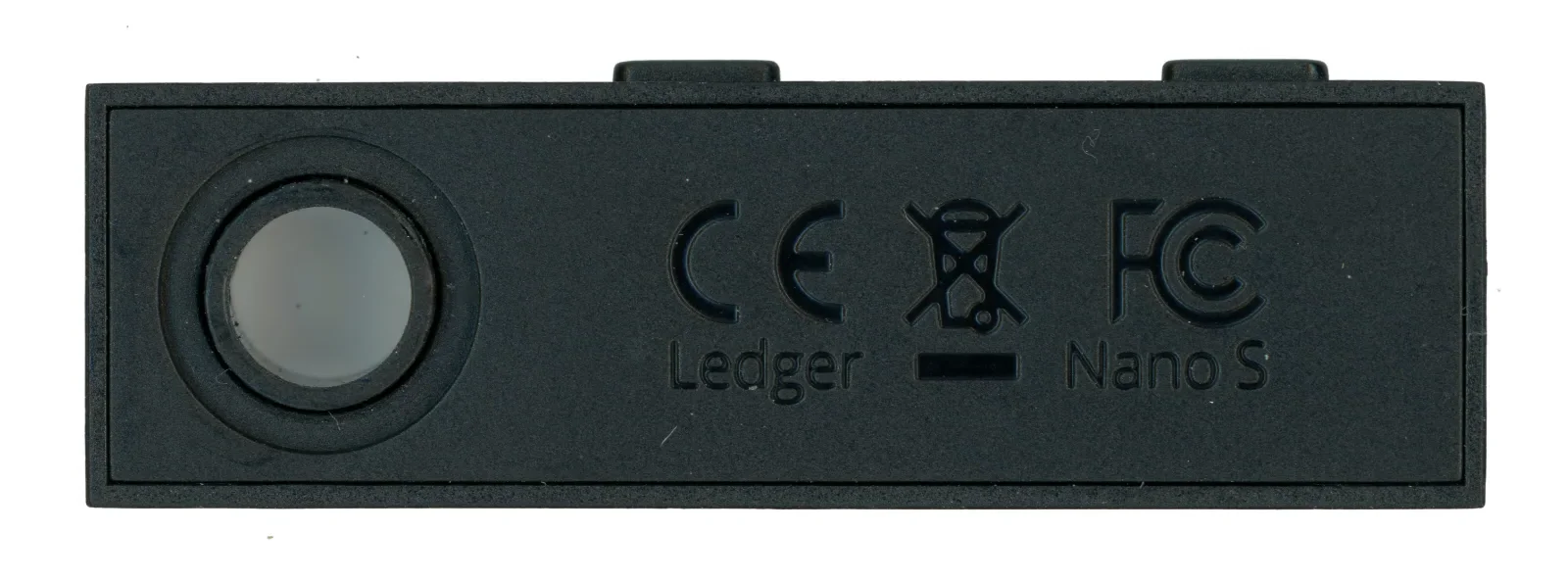
Back
Regulatory markings and the Nano S model name.
Ledger Nano S: Circuit board, trace side
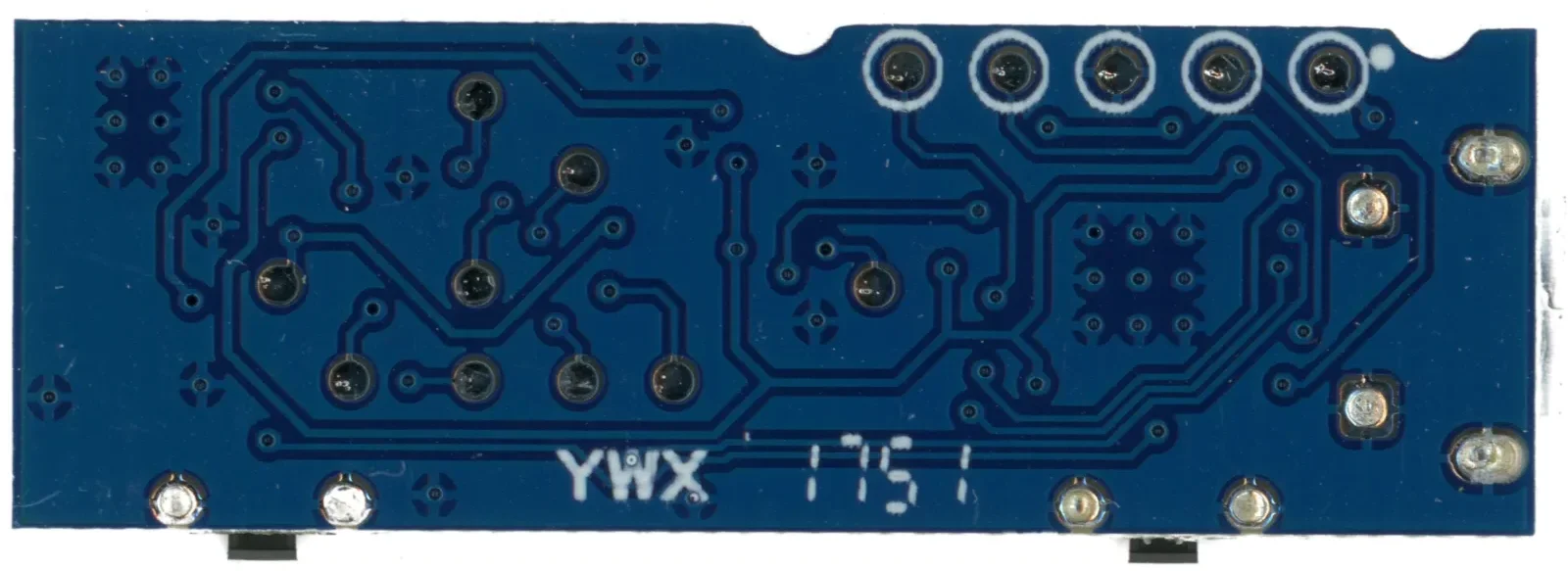
Circuit board, trace side
Underside of the main board.
Ledger Nano S: Circuit board, component side
Circuit board, component side
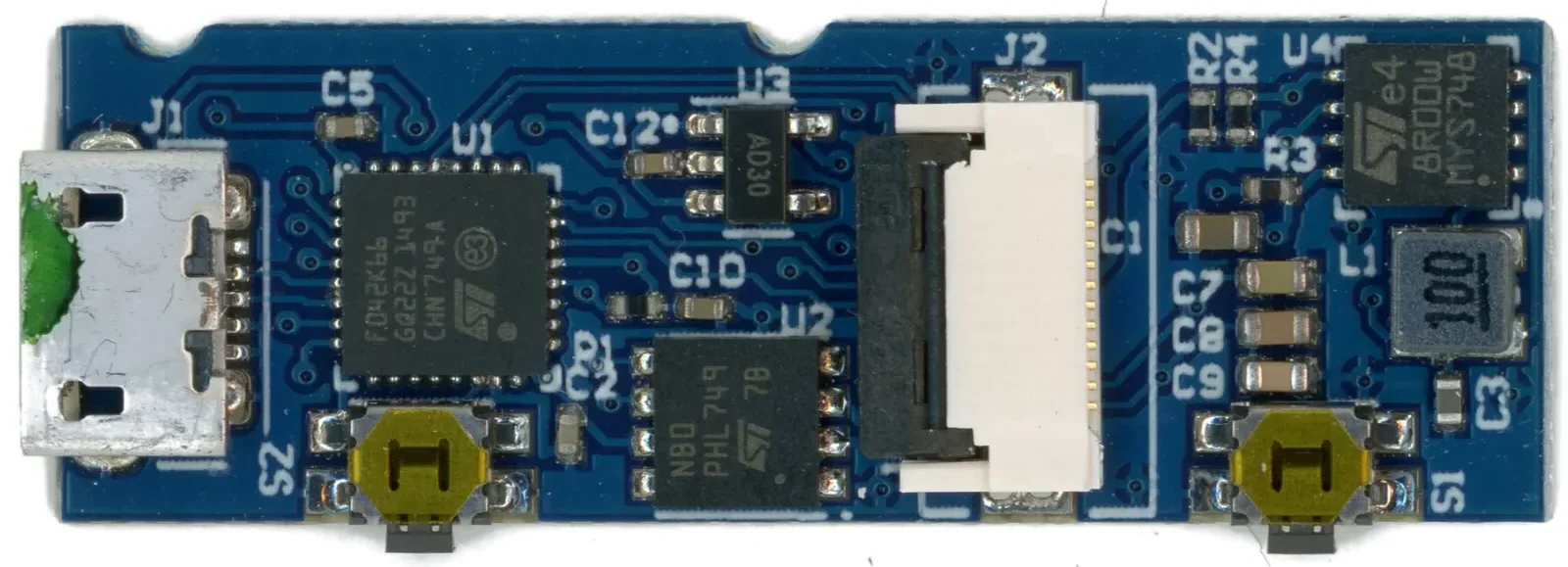
The two buttons, display connector and micro-USB port, with ST-marked chips including the STM32F042 microcontroller.
Ledger Nano S: X-ray
X-ray
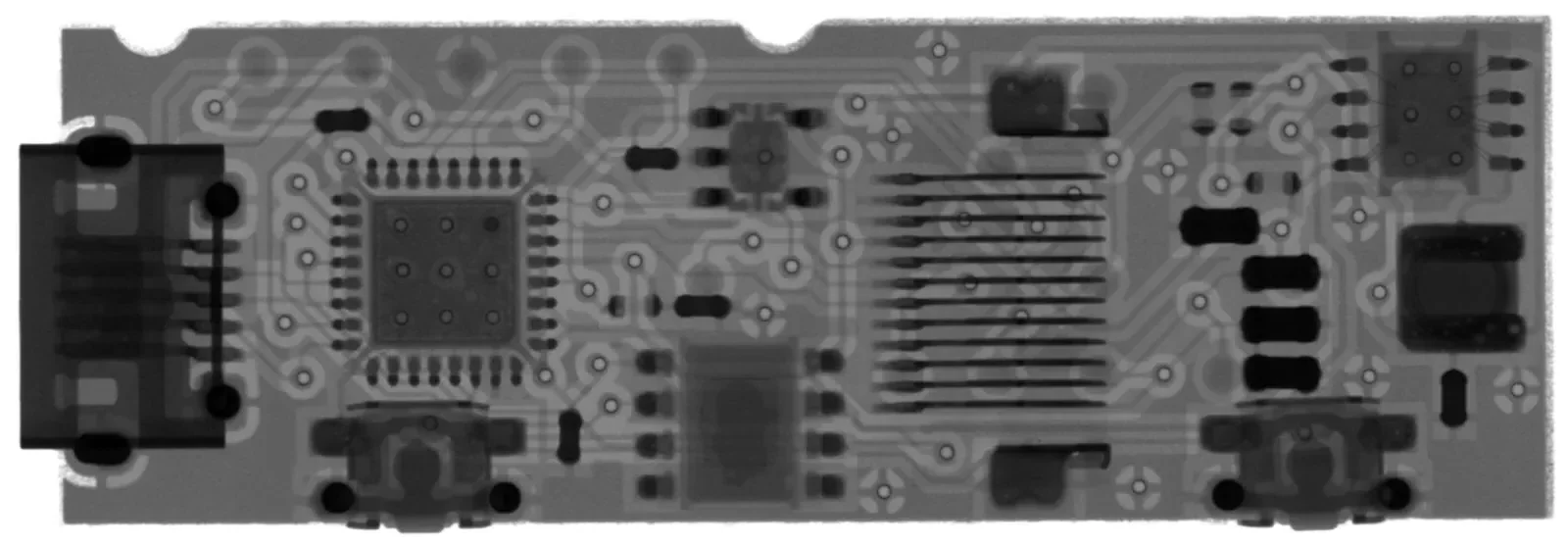
The board inside the assembled case.
Ledger Nano S: ST31H320 secure element, decapped
ST31H320 secure element, decapped
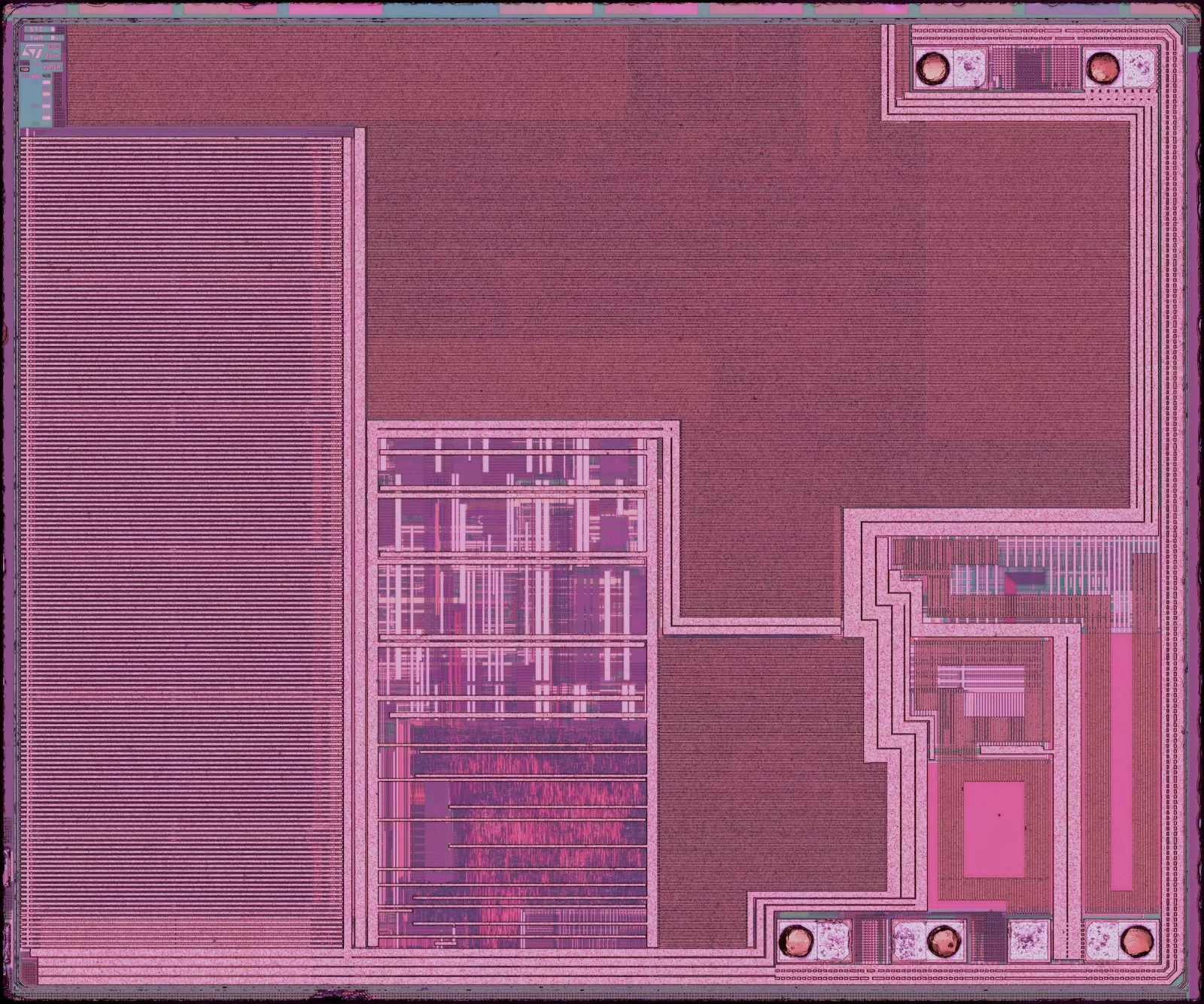
The secure element die under a microscope at 700× magnification. It is the chip that stores the seed and checks the PIN.
Hardware wallet layers separating in the secure lab
Layer animation
The device taken apart layer by layer.
Firmware versions

What changed, version by version

Versions and changes are taken from Ledger’s Nano S release notes, which do not give release dates.
VersionReleasedWhat changedPIN handlingNotes
2.1.02021Sample TBDTaproot support, BIP-0340 Schnorr signatures, UX improvementsIn SELatest release
2.0.02021Sample TBDRedesigned onboarding, Ethereum 2.0 supportIn SEUpdate identifier no longer shown from here on
1.6.12020Sample TBDAdds BLS12-381 curve, faster app installsIn SERequires 1.5.5 or later first
1.6.02019Sample TBDPIN digit order randomised, room for more appsIn SEHardening from Ledger Donjon research
1.5.52019Sample TBDSecurity improvements, new cryptographic algorithmsIn SE—
1.4.22018Sample TBDPIN start digit and recovery-word first letter randomisedIn SEImproved MCU–secure element interaction
1.4.1March 2018Functional changes and new UX featuresIn SE—
Security profile

How it scores

Ratings apply to the latest firmware unless noted. SLSA levels are our estimate from the public build pipeline, not a manufacturer attestation.
Secure element
ST31 chip certified to CC EAL5+.
Yes
Open-source firmware
Apps are open source. BOLOS is not.
Closed OS
Reproducible build
Cannot be verified without the OS source.
No
Signed updates
Only Ledger-signed firmware installs.
Yes
SLSA build level (estimated)
Build pipeline is not public.
Unknown
PIN hashing
BOLOS is closed source and Ledger does not publish how the PIN is processed. The secure element checks the PIN and wipes the device after three wrong entries.
Unknown
Public extraction attack
Saleem Rashid published an attack in March 2018 on firmware 1.3.1 and earlier that could extract the PIN and recovery seed. Ledger fixed it in 1.4.1.
None Public
If you are locked out

Three PIN attempts, then it wipes

Because the secure element enforces the PIN limit, guessing is very costly. Recovery usually depends on what else you have: partial seed words, a passphrase, or records of how the wallet was set up.
Before you contact us
1Don’t enter any more PIN guesses. Three wrong entries erase the device.
2Don’t update or reset the device.
3Gather any written seed words or notes, even incomplete ones.

Locked out of a Ledger Nano S?

Tell us the model and firmware version. The first case review is free and confidential.